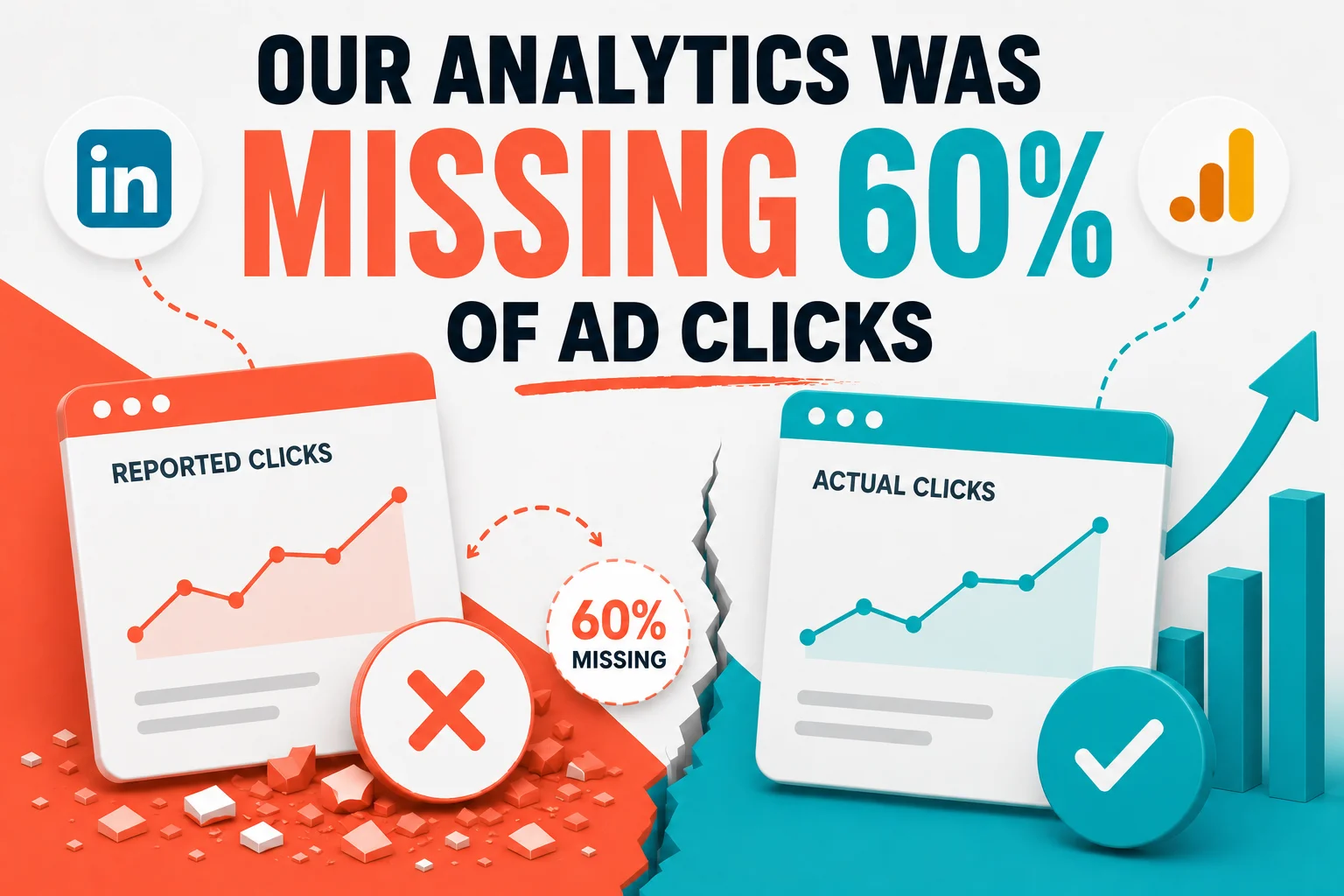

LinkedIn reported 23 clicks on our campaign. GA4 showed 9 Paid Social sessions over a similar period. A mismatch that size was worth investigating, and it led somewhere concrete: our Google Tag Manager was loading after React hydration, so visitors who left quickly could go unrecorded. The problem wasn't the ads or the landing page. It was that our measurement system couldn't see everyone who arrived.
Question this note answers: Where do my paid ad clicks actually go?
TL;DR: LinkedIn reported 23 clicks. GA4 showed 9 Paid Social sessions. Nothing wrong with the ads. Our analytics couldn't see everyone who arrived.
Ad platforms and analytics never agree exactly. This mismatch was too large to leave alone, and investigating it turned up a real tracking fault.
Why LinkedIn, not Google Ads
Last week we launched a LinkedIn ad campaign for our Paid Ads Bleed Report.
Naturally the first thought was to run Google Ads. Turns out Google doesn't love ads questioning how Google Ads works. Most keywords got blocked. (We've written about this earlier in "Google Won't Let You Complain About Google Ads on Google Ads.")
So LinkedIn it was.
Expensive. But the audience is there. So we decided to run it anyway.
A week passed.
Opened the LinkedIn Ads dashboard.
23 clicks with a limited budget. No benchmark yet, no previous campaign to compare. Felt like a decent start. Impressions were growing, CTR not terrible, plenty of green indicators everywhere.
But dashboards lie. We've written about this before. Google's optimization score is a masterclass in looking good while burning money.
So I opened GA4 (Google Analytics).
LinkedIn: 23 clicks. GA4: 9 Paid Social sessions.
Filters were all correct. Checked again. Still 9.
The two windows weren't identical and the two platforms count different things, so these numbers were never going to reconcile exactly. But the sample was small enough to look at directly, and the mismatch was too large to leave unexplained.
A company selling growth diagnostics had just found a leak in its own tracking.
Time to investigate.
Attribution windows, view-through conversions and cookie consent all create discrepancies between an ad platform and analytics. None of them explained what we were looking at here, so we kept going.
Diagnosis
The campaign sent traffic to a dedicated landing page, nexara.in/bleed-report.
Page looked fine. No broken redirects. No obvious loading errors.
So the next suspect was measurement.
Claude Code helped me debug.
That's when we found it.
Our Google Tag Manager was loading with strategy="afterInteractive". GTM only fires after React hydration. On slower connections, that delay can be a few seconds.
Someone clicks the ad, scans the headline, leaves. If they're gone before GTM fires, GA4 never sees them.
That's a growth leak. Not a traffic problem. Not a channel problem. A tracking system problem.
The fix
Fix 1: Move GTM to beforeInteractive
strategy="afterInteractive"strategy="beforeInteractive"Tracking now fires the moment the page starts loading, not after it finishes building. Every visitor gets counted, regardless of connection speed.
Fix 2: Inline UTM capture
We were capturing where visitors came from (UTM parameters) using standard React code. Problem: that code runs after the page loads. If someone leaves before then, we lose that data.
Now we capture it immediately, before any other code runs. Fast visitors no longer disappear with their attribution data.
Turns out the first structural problem we had to fix was our own analytics.
Systems have a sense of humor.
While we were poking around, a few other things showed up.
The YouTube embed on the hero was hurting mobile performance. The landing page video was also way too long. Earlier version ran about 8 minutes. Both fixed.
At that point I had to consciously stop myself. That's a familiar trap. When data is limited, teams start redesigning things. We didn't launch this experiment to polish the page endlessly. We launched it to learn.
So we stopped there.
Where the experiment stands now
The campaign is still running. Now at least we're measuring reality.
We deployed the fix and kept the campaign running. All looks good now.
Now we wait.
From here there are only two possible outcomes. Either the campaign works. Or it doesn’t. Both are useful.
We'll share what happens next.
Technical Appendix: Debugging Tracking Gaps
If you're seeing a similar discrepancy, here's how to figure out if it's your problem too.
Why are my LinkedIn ads not showing in Google Analytics?
Your analytics script probably isn't firing fast enough. LinkedIn records the click instantly. GA4 only records a session when your tracking code actually runs. If your site is built on React, Next.js, or similar frameworks, tracking often loads late. Visitors click, scan the page, leave - and GA4 never knew they existed.
Why do I have ad clicks but no conversions?
Before blaming the channel or the creative, check if you're even measuring everyone who lands. If your analytics misses fast bouncers, your "low-converting" campaign might actually be sending traffic that never gets counted. The denominator is wrong, so the conversion rate is meaningless.
How do I know if this is my problem?
Compare ad clicks to GA4 sessions for the same campaign over the same period. Some gap is always expected: accidental clicks, bot filtering, people who close the tab, and the fact that the two platforms count different events. There is no universal percentage that means "broken", so track the ratio across several weeks and learn what is normal for your own account. When a campaign departs sharply from that baseline, check when your tracking loads and when attribution is captured before you blame the channel or the creative.
What should I ask my dev team to check?
Two things:
-
When does GTM load? If it's set to load "after interactive" or "after hydration," it's too late. It should load in the document head, before any framework code runs.
-
When are UTM parameters captured? If attribution data is read by JavaScript after the page renders, fast visitors leave before it's stored. UTM capture should happen inline, before React mounts.
Frequently Asked Questions
- What was causing the tracking gap?
- GTM was set to load after React hydration. Fast visitors left before tracking fired.
- How did you fix it?
- Changed GTM to beforeInteractive and added inline UTM capture before React mounts.
- How do I know if my tracking is broken?
- Compare ad clicks to analytics sessions for the same campaign and period, and track that ratio over several weeks to learn what is normal for your own account. Investigate when a campaign departs sharply from your own baseline.
- What should I tell my dev team to check?
- When does GTM load? When are UTM parameters captured? Both should happen before any framework code runs.